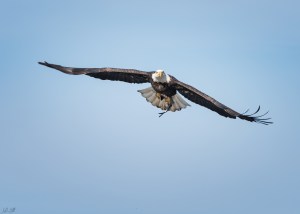
 Join us for a presentation by Professor Emeritus Charles Walcott on the process of Putting Nature in Video. A distinguished ornithologist and science communicator, Prof. Walcott will describe his equipment, techniques, and approaches for producing short videos on the natural history research of his colleagues. Those interested in developing or improving their skills with video photography are welcome.
All posts by Mike Goldstein
January 5th meeting: share your best images of 2016
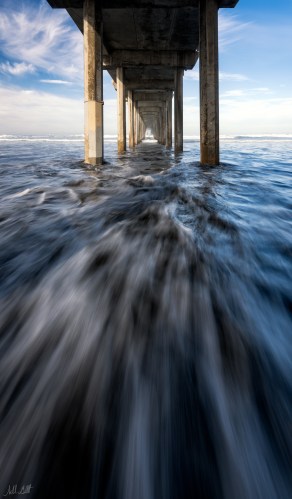
Happy New Year! Our first meeting of 2017 will include a look back at your best images of 2016 as well as a preview of exciting events for the coming year.
Our photo sharing theme will be “your best of 2016“. Bring your top three images. Editing down to three is challenging but a really good exercise.
Brian, our new president, has been hard at work setting up an events schedule for 2017, including speakers, a post-processing workshop, and photo opportunities. Come to the meeting to find out more!
The closet law of life
by Paul Schmitt
What, you may ask, does a closet have to do with photography. The above said law is:
The stuff you have in your life will expand to the amount of closet space you have.
I see this on my street where half of the garages have no space for a car. I recently saw this when I realized that my 1,150 Gb of photos had reached the limit of my data backup capacity. My digital image closet was full. Just like the garage across the street, most of what was in the digital closet would never be used again. Beyond any laxness, what caused this? Here are some of the culprits:
- Shot six images, picked the best and held on to the other five. Unsure of my choice?
- The Great Blue Heron shot made in 2014 was okay, but no longer my best.
- The trillium images in 2011 were documentations, not artistic interpretations I get today.
- The five images for HDR made a good final image, but the five aren’t needed anymore.
- Bigger sensors have increased raw files from 10 Mb in 2010to 60 Mb currently.
Unlike slides, it is a lot easier to hold on to digital files. They are invisible on a hard drive. And the size of those images has escalated in a manner not seen shooting 35 mm film. Does this apply to you?
So, what to do? Let’s be realistic. If you picked one of the six images four years ago, and never had reason to go back and edit the other five, well, will you ever use one of them?
Here are the five criteria I used to houseclean:
- Delete the remaining images in a set if more than a month has passed without processing the others. If I am confident in my choice to process, then erase with confidence.
- If images shot at 10 Mb some five years ago are not up to my current artistry, delete.
- If photos of a given subject have been supplanted with better one, delete the raw file.
- When I am happy with a final HDR output, the five bracketed images used are excess baggage.
- If I made multiple sets of HDR brackets and some were not successful, dump them all.
As I worked, I realized that the increasing sensor size and the stacks of images used to make a single HDR were the biggest culprits.
I followed my five criteria for files from 2012 up to this year. My files are now 778 Gb. I cleared out 32% of my digital closet. The individual image sizes for 2011 and earlier are much smaller, but I know my current images are often of higher quality. This winter, I will set aside a few hours each week to continue my closet cleaning. And, I will try to regularly made my backup process include a clean out of recent files using my five points.
December 1, 2016 meeting info
Our photo sharing theme will be “Three at one place”. There are a few ways you can approach this theme. You could bring three images that show a stepwise refinement that distills the image down to the essential elements, so there are few distractions. Alternatively, you could bring three images that challenge the idea that they came from the same place. Another way would be to bring three images that are identical but represent different post-processing approaches. There’s lots of room for creativity here.
We’ll also discuss progress on upcoming workshops and speakers. Looking forward to seeing everyone!
November 3 meeting info
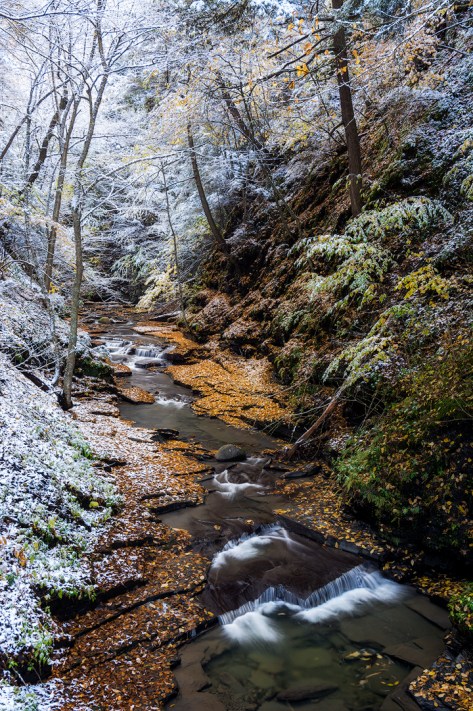
Our photo sharing theme will be “transitions”. There are many possible interpretations of the theme. We are looking forward to seeing and discussing your images!
Pre-meeting photo shoot on September 1
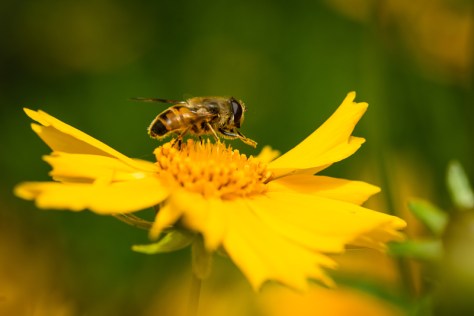 We’ll have a pre-meeting photo shoot in Herb Garden of the Cornell Plantations at 6:00pm on Thursday. Meet in the formal gardens next to (just east of) the Nevin welcome center. The gardens are looking great and there will lots of opportunities to work with each other on macro techniques. I’ll bring my close-up filter which will fit any lens with a 77mm filter thread and give you macro capabilities.
CNP photo exhibition at CSMA
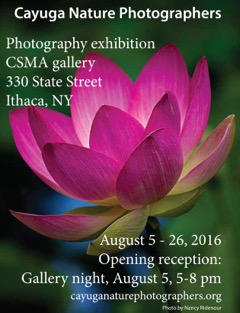 Please join us for a photo exhibition and reception at the CSMA gallery (330 State St.) on Friday, August 5th from 5 – 8pm. The reception and show are open to the public.
The photographers who created the images will be at the show, so this is a great opportunity for you to ask questions and learn about the techniques that were used to make these images.
Pre-meeting photo shoot on July 7
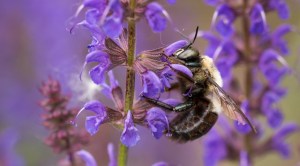
We’ll have a pre-meeting photo shoot at the Cornell Plantations at 6:00pm on Thursday. Meet in the formal gardens next to (just east of) the Nevin welcome center. The light should be great. Bring macro gear if you have it. There should be good bee- and butterfly-chasing opportunities too!
July 7 meeting info
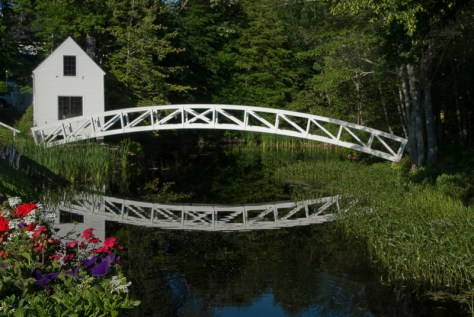 The photo sharing theme will be “old buildings”. There are lots of picturesque old structures in our area, and I look forward to seeing your images of them.
In addition, Adam Baker will will give a presentation on composition. His photos are amazing and we will learn a great deal.
Before the meeting, we’ll have a photo shoot at the Botanical Gardens of the Cornell Plantations starting at 6:00. These pre-meeting shoots are a great opportunity to share ideas and gear, and learn new techniques. It’s lots of fun trying out new photo equipment. Be mindful of the early stages of GAS (gear acquisition syndrome) and you will be fine. 🙂
Noise reduction using Nik Define 2
by Paul Schmitt
Digital cameras offer the photographer the ability to immediate boost the ISO speed in response to low light conditions. One of the arguably most powerful plug-ins for noise reduction comes in the Nik Collection. ( See https://www.google.com/nikcollection/ ) Within the collection one finds Define 2. Notable, at present there is no charge for the Nik Collection. Here is an example of what can be done.
On this rainy morning, I looked out my kitchen window to see a doe with fawns in the neighbor’s lawn. Grabbing a camera, I ran the speed up to ISO 1250 on my Nikon D800 and edged around the sunroom corner to capture a few images.
After some cropping for composition, here is one photo.
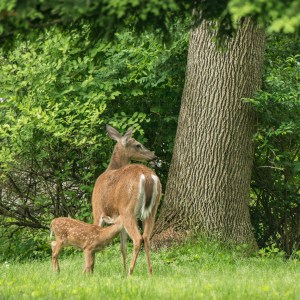
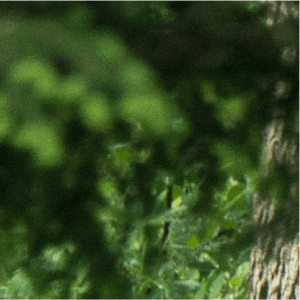
Let’s look at a 1:1 sample from the top edge of the photo. Note the speckle in the medium green areas.
Within either Lightroom, you select Library>Photo>Edit In>Define 2. (For Photoshop go to the Nik Selection menu box to find Define 2.) For my photo, I got the following screen. Note the four small boxes where Define 2 has found a region of uniform tone. Usually it finds larger regions. If the tone is uniform, then what variation exists is noise, so there is a baseline to reduce the noise.

Generally, the automatically selected areas work fine. The frame in the lower right area shows a split screen of uncorrected and corrected. Moving your mouse pointer around the image reveals the change expected. If it looks good (and it nearly always looks terrific), then select save and look for an output TIFF file in your Lightroom or Photoshop catalog.
So, for this case at ISO 1250, let’s look at a greatly enlarged sample of the before (top image) and after (bottom image).
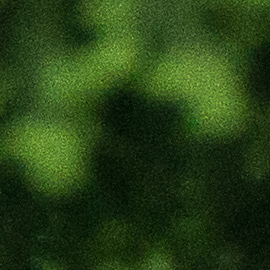
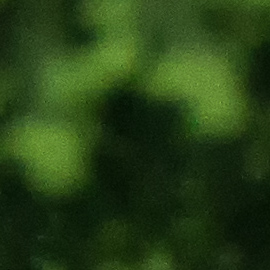
The Define 2 has worked well for this example as it does for the majority of images. On a few images, it has been unable to find regions of uniformity in which case I have usually settled for the Adobe noise reduction.
Give Define 2 a test drive and decide for yourself. It is revealing to shoot purposefully at high ISO and explore the limits of your camera sensor and Define 2.
 Cayuga Nature Photographers